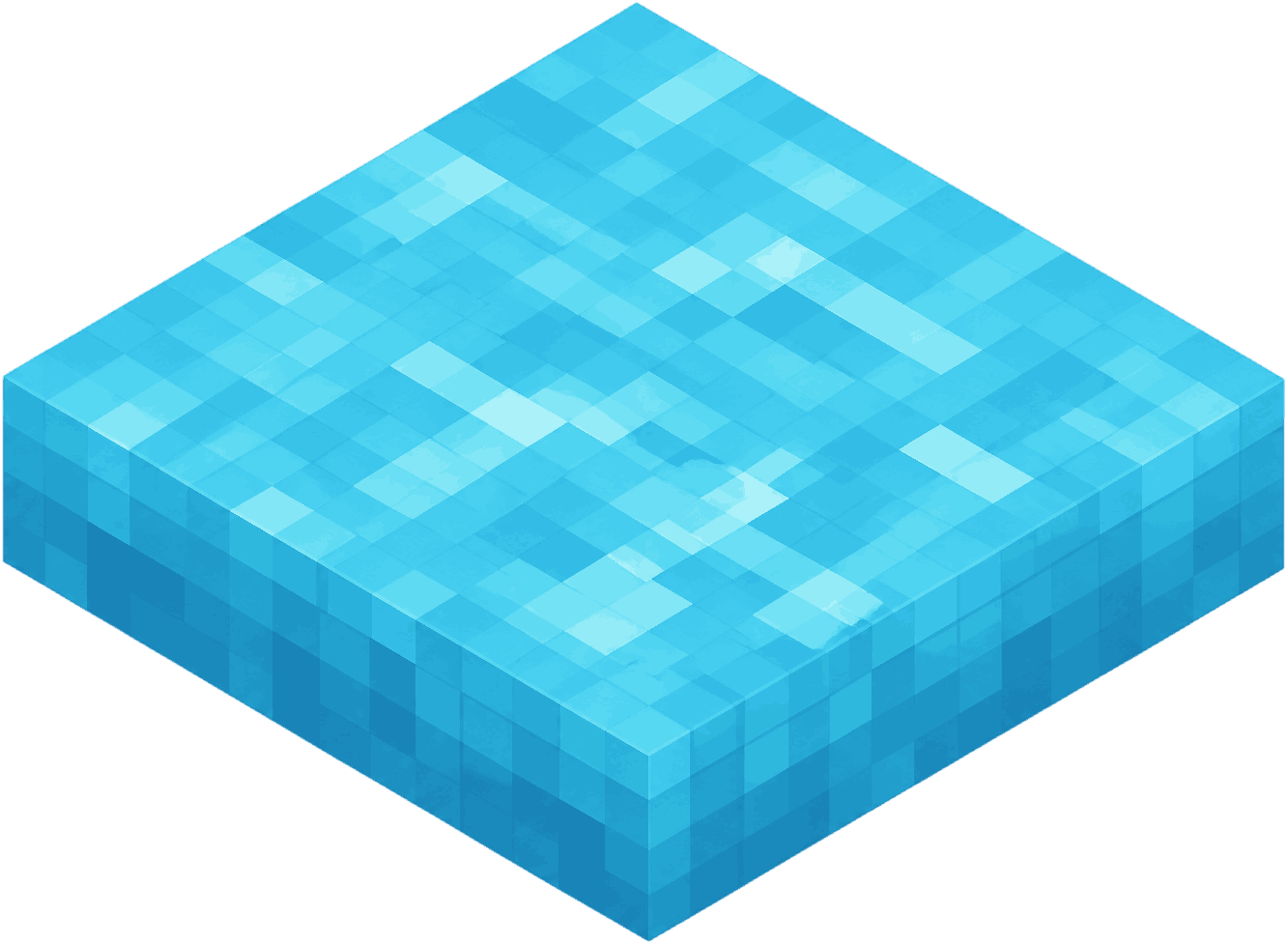
1. Define what voxel means in your game
Before writing engine code, decide what a voxel is in your design. It might be a cube in a 3D grid, a block in a Minecraft-style world, an isometric tile with height, or a larger placeable object that snaps to cells.
This choice affects every other decision. A survival sandbox may need caves, vertical terrain, lighting, chunk streaming, and collision across a large world. A small browser builder can use a compact board with separate terrain and object layers.
2. Choose a world data model
A voxel game needs a reliable way to answer simple questions: what exists at this coordinate, what can be placed here, what should be rendered, and what should be saved? Start with a simple map keyed by grid position, then split the model when the game becomes more complex.
Most builders benefit from separating base terrain from placed objects. Terrain might include grass, water, sand, stone, or paths. Objects might include houses, trees, props, bridges, decorations, and multi-tile buildings.
3. Decide whether you need chunks
Chunks are sections of a larger voxel world. They help the game load, save, update, and render only the nearby parts of the scene. If your world is infinite, procedurally generated, or large enough to scroll for a long time, chunks become important early.
If your voxel game is a compact puzzle, editor, diorama maker, or browser toy, a full chunk system may be unnecessary. A fixed grid is easier to build, easier to debug, and easier to ship.
4. Pick a renderer
Small games can use HTML Canvas. Larger 3D games often use WebGL, Three.js, Babylon.js, Godot, Unity, Unreal Engine, or a custom engine. The best choice depends on scale, art direction, performance needs, and how much engine behavior you want to build yourself.
For a true 3D block world, you will usually generate visible geometry from voxel data and skip hidden faces. For an isometric builder, you can render sprites or pre-made voxel assets in the correct grid order.
5. Add placement rules
A good voxel builder needs predictable placement. Define which cells are occupied, which assets can overlap, how large objects reserve space, how rotation or flipping works, and how the player erases or replaces pieces.
Placement rules should be strict enough to prevent broken scenes but simple enough that players can predict them. If a house cannot sit on water, show that before the player clicks. If an object occupies multiple cells, reserve every affected cell.
6. Build camera and input controls
Voxel games depend on accurate pointing. Desktop players expect click, drag, right-click erase, zoom, and pan. Mobile players expect tap, drag, pinch zoom, and long-press or mode-based erasing.
Test input early on real devices. A voxel builder that feels precise with a mouse can feel cramped on a phone if the palette, camera controls, and placement preview compete for the same screen space.
7. Save the world
For a browser toy, localStorage can be enough. Save terrain IDs, object IDs, positions, rotations, and settings in a versioned format so future updates can migrate old saves.
For a multiplayer or account-based voxel game, you will need server-side persistence, authentication, conflict handling, and validation. Never trust client-submitted world changes in a competitive or shared environment.
8. Optimize what changes
Voxel scenes can become expensive if every unit is redrawn or rebuilt every frame. Cache static layers, batch visible geometry, skip hidden faces, and avoid per-frame work when the scene is idle.
Measure with real scenes, not only empty worlds. A prototype that runs well with 100 blocks may slow down when a player fills the map with decorations, water, transparency, shadows, and animated previews.
9. Publish a small version first
The fastest path is usually a narrow prototype: one terrain layer, one object layer, a few asset categories, basic save/load, and a clear reset option. Once that loop feels good, add more assets, larger maps, procedural generation, sharing, or export tools.
Voxel Game uses a plain static stack: HTML, CSS, JavaScript modules, Canvas, localStorage, and pre-generated PNG assets. That keeps deployment simple and makes Cloudflare Pages a natural hosting target.
Useful internal references
If you are new to the term, start with What is a voxel game?. If you are comparing block-based inspiration, read Is Minecraft a voxel game?. To study existing implementations first, browse the best voxel games of 2026.
Study a live browser example
Open Voxel Game to see a small static implementation with Canvas rendering, grid placement, touch controls, and local browser saving.
Play Voxel Game